A menu is one of the hardest-working pieces of design in any restaurant: it sets the mood, guides choices and affects what guests order. A clear, attractive layout helps customers decide faster and makes your food look as good as it tastes. In this collection, we’ve picked eight restaurant menu templates from the TMint Canva library for cafés, noodle bars, bakeries, diners and food trucks.
Quick links
- Beige and Black Clean Minimalist Restaurant Menu
- Olive Green Restaurant Landscape Menu
- Gray Elegant Restaurant Noodle Menu
- Green Watercolor Noodles Restaurant Menu
- Breakfast Menu Watercolor Restaurant Menu
- Retro Fast Food Restaurant Menu
- Black Retro Food Truck Menu
- Pink Cake Restaurant Menu
1. Beige and Black Clean Minimalist Restaurant Menu
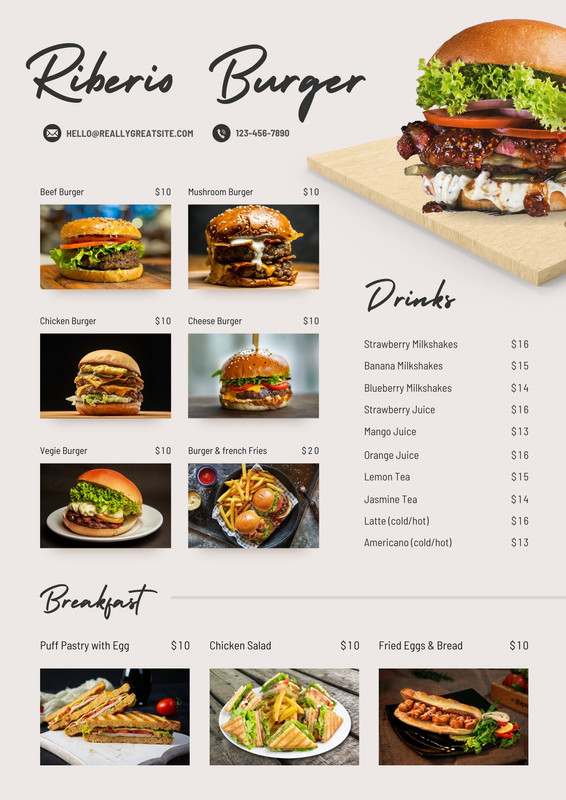
- Why we like it: A clean, minimalist menu where typography does the work. Easy to read and easy to update when prices change.
- Best for: Modern restaurants, wine bars and bistros.
- Plan: Free on Canva
Customize Beige and Black Clean Minimalist Restaurant Menu in Canva
2. Olive Green Restaurant Landscape Menu
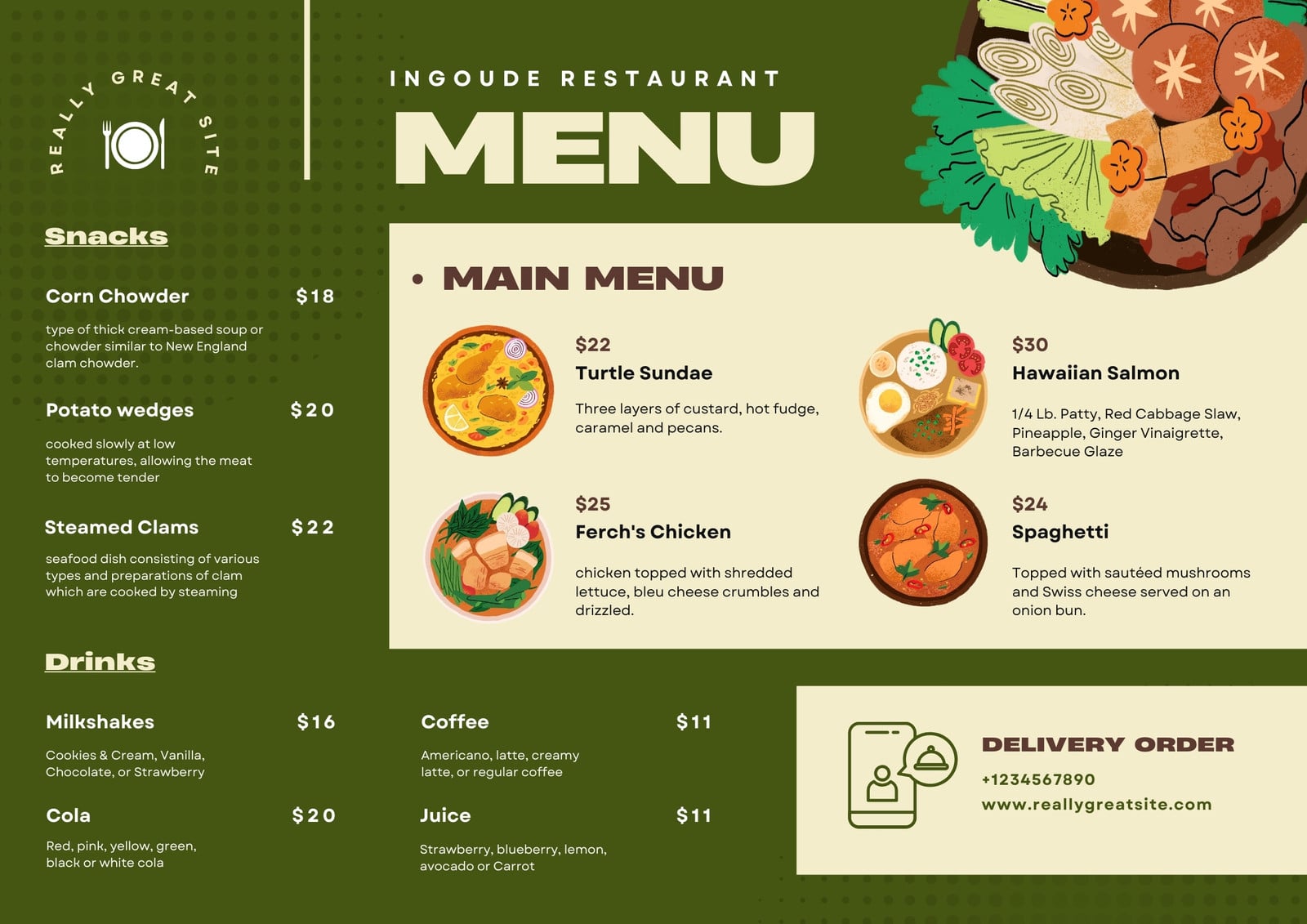
- Why we like it: A landscape format in calm olive green that fits table menus and wall boards alike.
- Best for: Mediterranean, healthy and farm-to-table restaurants.
- Plan: Free on Canva
Customize Olive Green Restaurant Landscape Menu in Canva
3. Gray Elegant Restaurant Noodle Menu
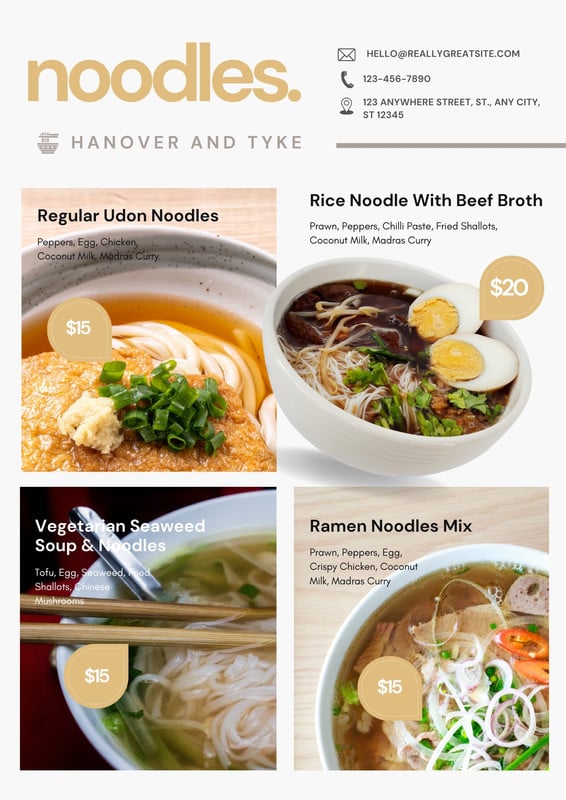
- Why we like it: Elegant gray tones give a refined feel to Asian and noodle-focused menus.
- Best for: Noodle bars, ramen shops and Asian fusion restaurants.
- Plan: Free on Canva
Customize Gray Elegant Restaurant Noodle Menu in Canva
4. Green Watercolor Noodles Restaurant Menu
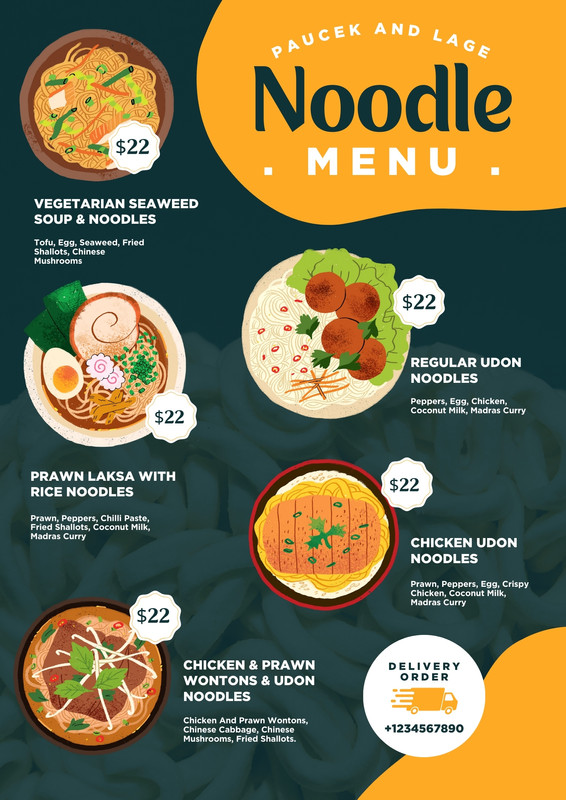
- Why we like it: Soft watercolor illustrations in green add a fresh, handmade touch on A4 portrait.
- Best for: Casual noodle shops and family restaurants.
- Plan: Free on Canva
Customize Green Watercolor Noodles Restaurant Menu in Canva
5. Breakfast Menu Watercolor Restaurant Menu
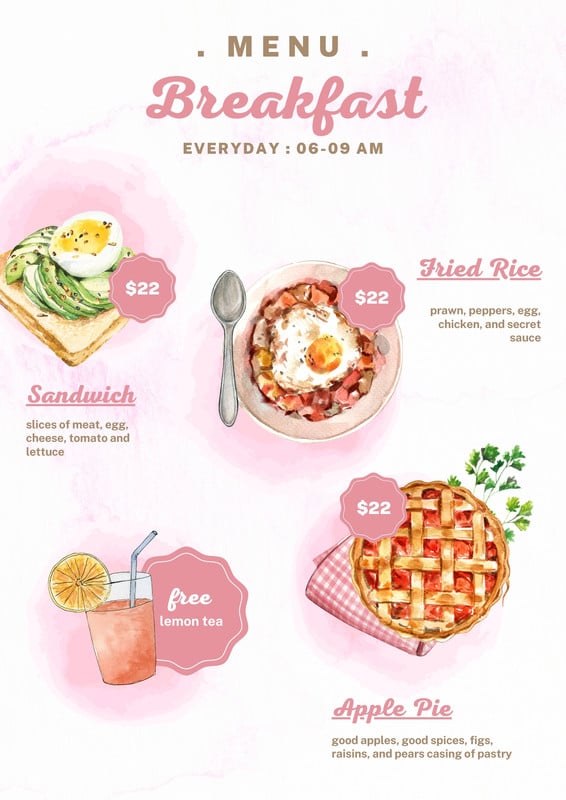
- Why we like it: Watercolor food illustrations make morning dishes look inviting on a printable A4 page.
- Best for: Cafés, brunch spots and hotel breakfasts.
- Plan: Canva Pro
Customize Breakfast Menu Watercolor Restaurant Menu in Canva
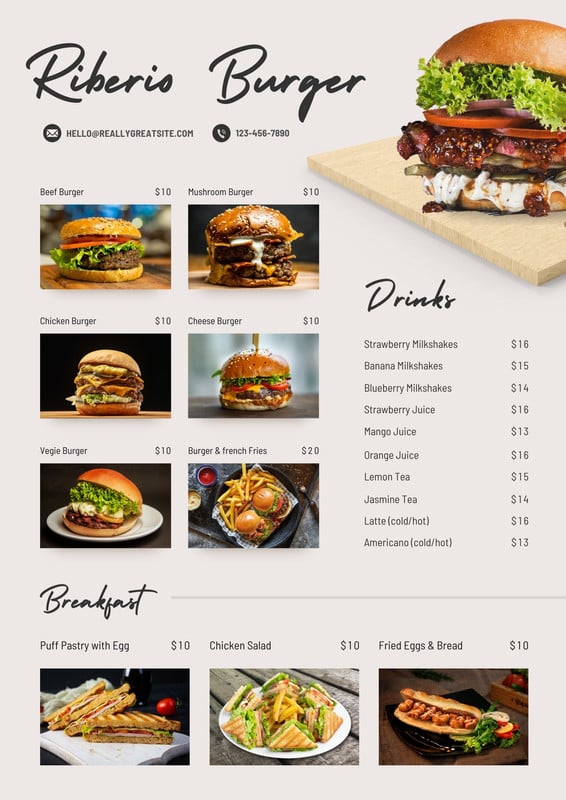
6. Retro Fast Food Restaurant Menu
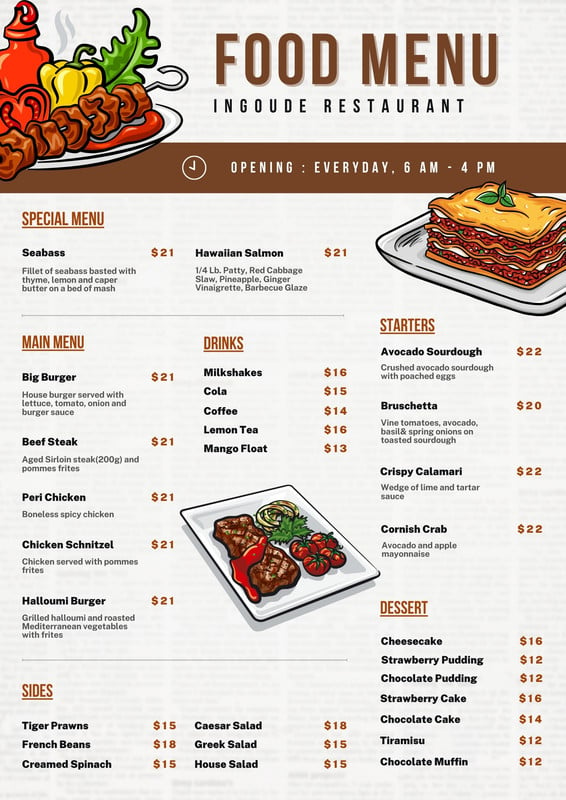
- Why we like it: Bold retro styling for burgers, fries and shakes, designed on A4.
- Best for: Burger joints, diners and fast-casual restaurants.
- Plan: Canva Pro
Customize Retro Fast Food Restaurant Menu in Canva
7. Black Retro Food Truck Menu

- Why we like it: A punchy black retro design that reads well from a distance, perfect for a truck window or stall.
- Best for: Food trucks, market stalls and pop-ups.
- Plan: Canva Pro
Customize Black Retro Food Truck Menu in Canva
8. Pink Cake Restaurant Menu
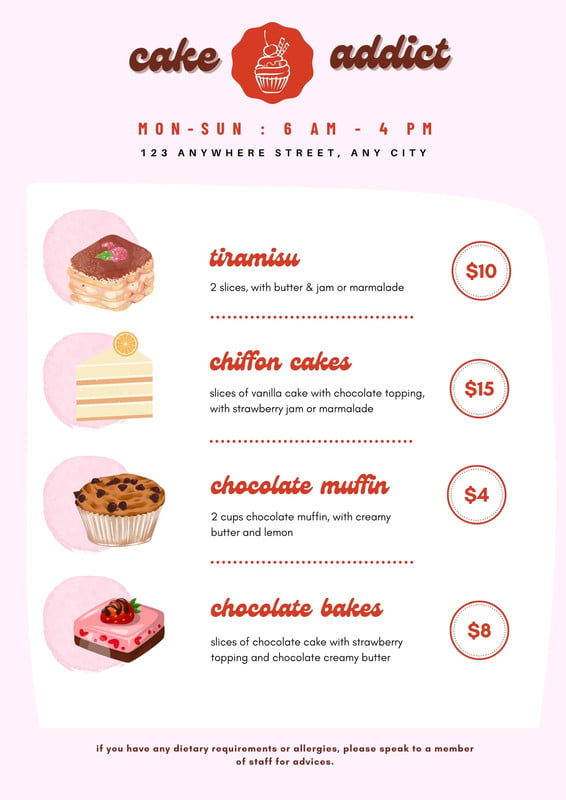
- Why we like it: Sweet pink tones that suit desserts, cakes and pastries.
- Best for: Bakeries, dessert bars and patisseries.
- Plan: Free on Canva
Customize Pink Cake Restaurant Menu in Canva
Menu design tips that help you sell
- Group items clearly. Starters, mains, desserts and drinks in clear sections make scanning easy.
- Highlight signatures. Use a box, icon or bolder type for your best-sellers and high-margin dishes.
- Keep descriptions short. One line with key ingredients is enough.
- Make prices tidy. Align prices consistently and skip currency symbols if your brand is upscale.
- Plan for updates. Canva makes it easy to change prices and dishes, so reprint seasonally.
How to customize these menus in Canva
- Open a template and click Customize free template or Use this template (Pro).
- Replace the restaurant name, logo and opening hours.
- Edit dishes, descriptions and prices section by section.
- Swap photos or illustrations to match your food.
- Download PDF Print for printing, or PNG to share on social media, delivery apps and QR menus.
FAQ
Are these menu templates free?
Five are free on Canva. The Retro Fast Food, Breakfast Watercolor and Black Retro Food Truck menus are Canva Pro templates.
Can I make a digital QR menu?
Yes. Download as PDF or PNG, upload it to your website or cloud storage, then create a QR code in Canva that links to it.
What size should I print?
Several templates are designed in A4. You can print at A4 or resize in Canva for A3 boards and table cards.
Serve up a better menu
Pick the style that matches your restaurant, update your dishes and print a fresh menu this week. See more food and hospitality designs on our Canva Creator profile or browse editable menu templates in the TMint store.