
In creative fields, your resume is also your first design sample. A well-designed CV shows your taste and attention to detail before a recruiter reads a single line. In this collection, we’ve gathered eight free creative resume templates from the TMint Canva library for designers, photographers, UI/UX and fashion professionals, each easy to customize and export as a PDF.
Quick links
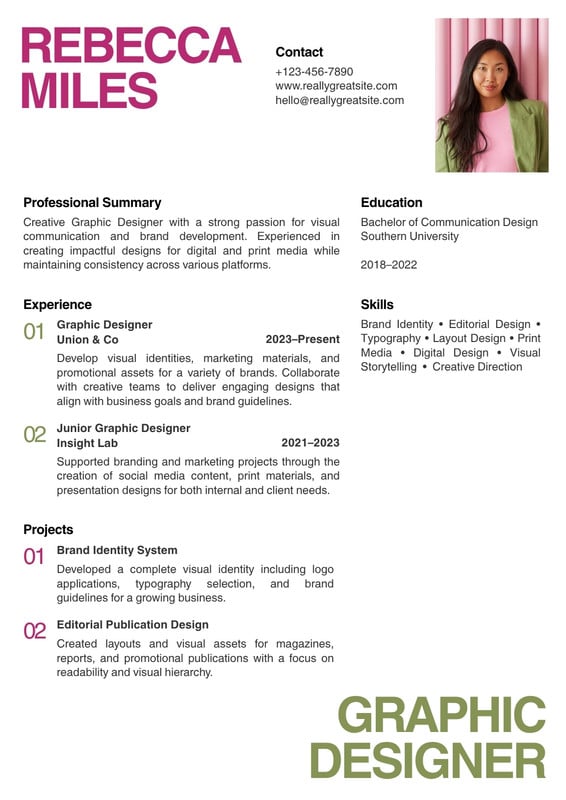
- Pink and Green Minimalist Graphic Designer Resume
- Purple Professional Graphic Designer CV/Resume
- Red and Light Yellow Modern UI/UX Designer Resume
- Neutral Modern Professional Photographer Resume
- Black and White Modern Photography Resume
- Pink White and Beige Modern Fashion Designer Resume
- Blue Yellow Creative Resume
- Orange and White Gradient Modern Resume
1. Pink and Green Minimalist Graphic Designer Resume
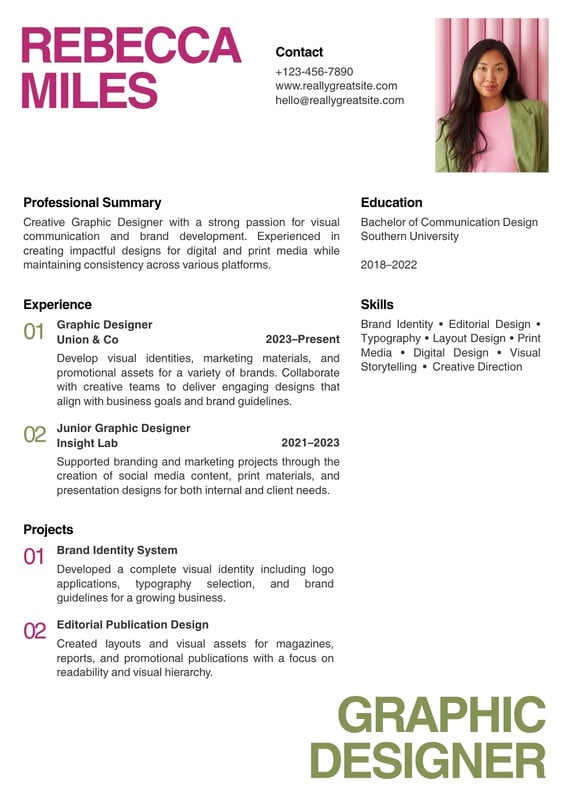
- Why we like it: A minimal layout with soft pink and green accents that shows taste without distracting from your experience.
- Best for: Graphic and brand designers.
- Plan: Free on Canva
Customize Pink and Green Minimalist Graphic Designer Resume in Canva
2. Purple Professional Graphic Designer CV/Resume

- Why we like it: A confident purple design with clear sections for skills, tools and projects.
- Best for: Designers who want a bold, memorable CV.
- Plan: Free on Canva
Customize Purple Professional Graphic Designer CV/Resume in Canva
3. Red and Light Yellow Modern UI/UX Designer Resume
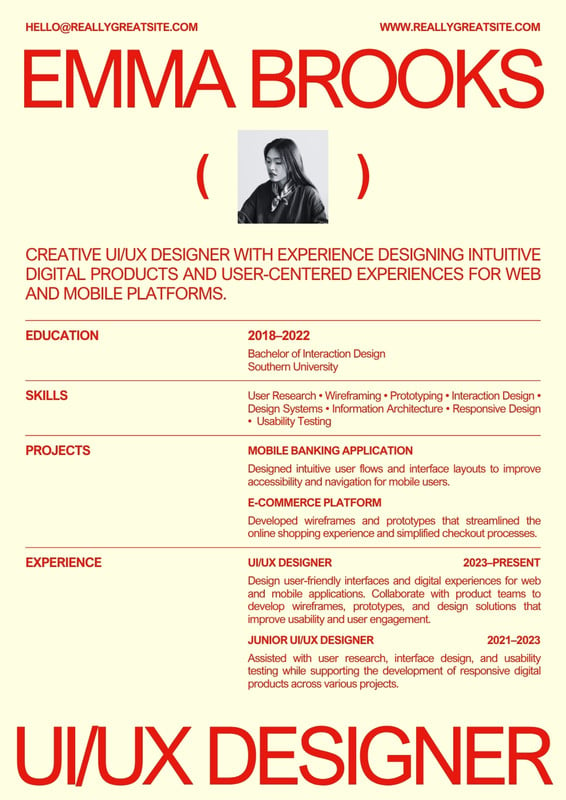
- Why we like it: Modern and structured, with a warm color pair that suits product-focused roles.
- Best for: UI/UX and product designers.
- Plan: Free on Canva
Customize Red and Light Yellow Modern UI/UX Designer Resume in Canva
4. Neutral Modern Professional Photographer Resume

- Why we like it: Neutral tones let your work speak, and the clean layout reads well both printed and as a PDF.
- Best for: Photographers and visual artists.
- Plan: Free on Canva
Customize Neutral Modern Professional Photographer Resume in Canva
5. Black and White Modern Photography Resume

- Why we like it: A monochrome, gallery-like style that feels timeless and serious.
- Best for: Photographers, videographers and editors.
- Plan: Free on Canva
Customize Black and White Modern Photography Resume in Canva
6. Pink White and Beige Modern Fashion Designer Resume
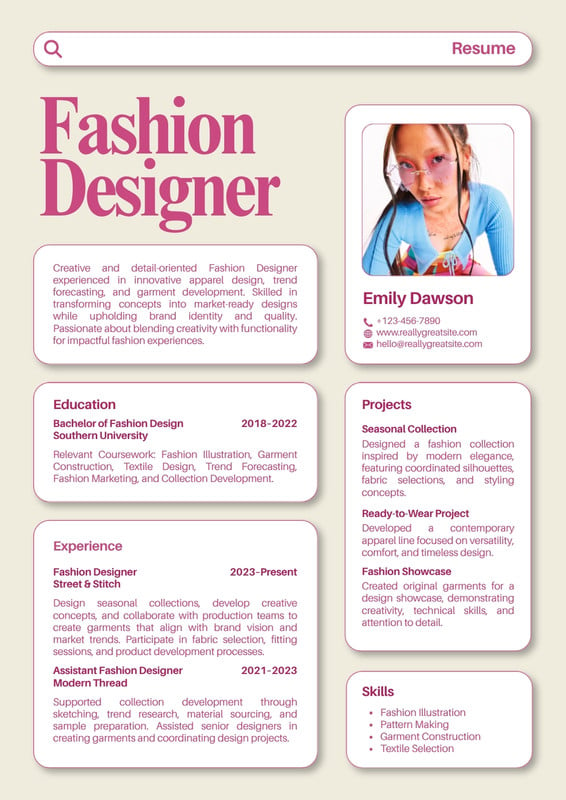
- Why we like it: Soft, fashionable tones and an editorial feel suited to style-driven industries.
- Best for: Fashion designers, stylists and merchandisers.
- Plan: Free on Canva
Customize Pink White and Beige Modern Fashion Designer Resume in Canva
7. Blue Yellow Creative Resume
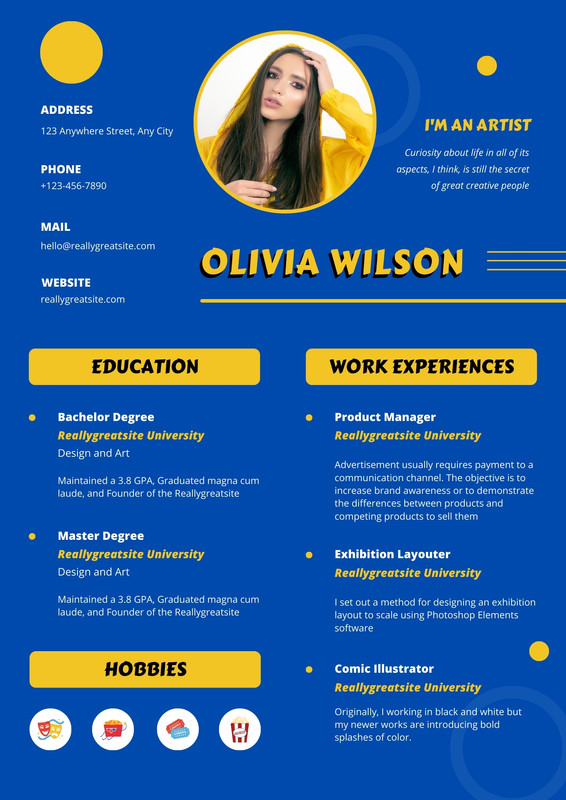
- Why we like it: A cheerful blue and yellow design that brings energy while keeping information easy to scan.
- Best for: Marketing, content and creative generalists.
- Plan: Free on Canva
Customize Blue Yellow Creative Resume in Canva
8. Orange and White Gradient Modern Resume

- Why we like it: A subtle orange gradient adds a modern touch to a clean, professional structure.
- Best for: Early-career creatives and freelancers.
- Plan: Free on Canva
Customize Orange and White Gradient Modern Resume in Canva
How to choose the right creative resume
- Match your field. Designers can go bolder; photographers often do best with neutral or monochrome layouts that frame their work.
- Keep it readable. Clear headings, consistent spacing and a readable body size matter more than decoration.
- Think about ATS. For large companies that use applicant tracking systems, keep a plain-text version alongside your designed PDF.
- Link your portfolio. Add a short portfolio URL or QR code so reviewers can see your work in one click.
How to customize these resumes in Canva
- Open a template and click Customize free template.
- Replace the name, title and contact details.
- Edit experience, education and skills, keeping bullet points short and results-focused.
- Swap colors to match your personal brand, but keep contrast high for readability.
- Download as PDF Standard for email or PDF Print for paper copies.
FAQ
Are these resume templates free?
Yes. All eight are listed as free templates on Canva.
Should I include a photo?
It depends on your country and industry. Many templates have a photo area you can delete if a photo is not expected.
Can I make a two-page CV?
Yes. Duplicate the page in Canva and continue your experience on page two with the same styling.
Land your next creative role
Choose a design that reflects your style, fill it with your best work and send it with confidence. Find more resume designs on our Canva Creator profile or browse editable resume templates in the TMint store.


