
Short vertical videos are one of the fastest ways to grow a channel, but designing every Short from scratch takes time. A consistent template gives your series a recognizable look and lets you focus on the content. In this collection, we’ve picked ten free YouTube Shorts templates from the TMint Canva library, covering podcasting, cooking, finance, film, editing, gaming, travel and history. Every template is 1080 × 1920 px, so it also works for Instagram Reels and TikTok.
Quick links
- Orange White and Black Bold Podcasting Tips
- Green and White Modern Cooking Recipes
- Red White and Black Bold Top 3 Movies Review
- White Blue and Beige Simple Editing Video Tips
- Green Black Bold Investing Tips
- Black Beige and White Bold Financial Advice
- Blue and White Bold Color Grading Tips
- Purple and White Bold Streaming Setup
- Gray and Pink Modern Solo Traveling Tips
- Beige and Brown Elegant History
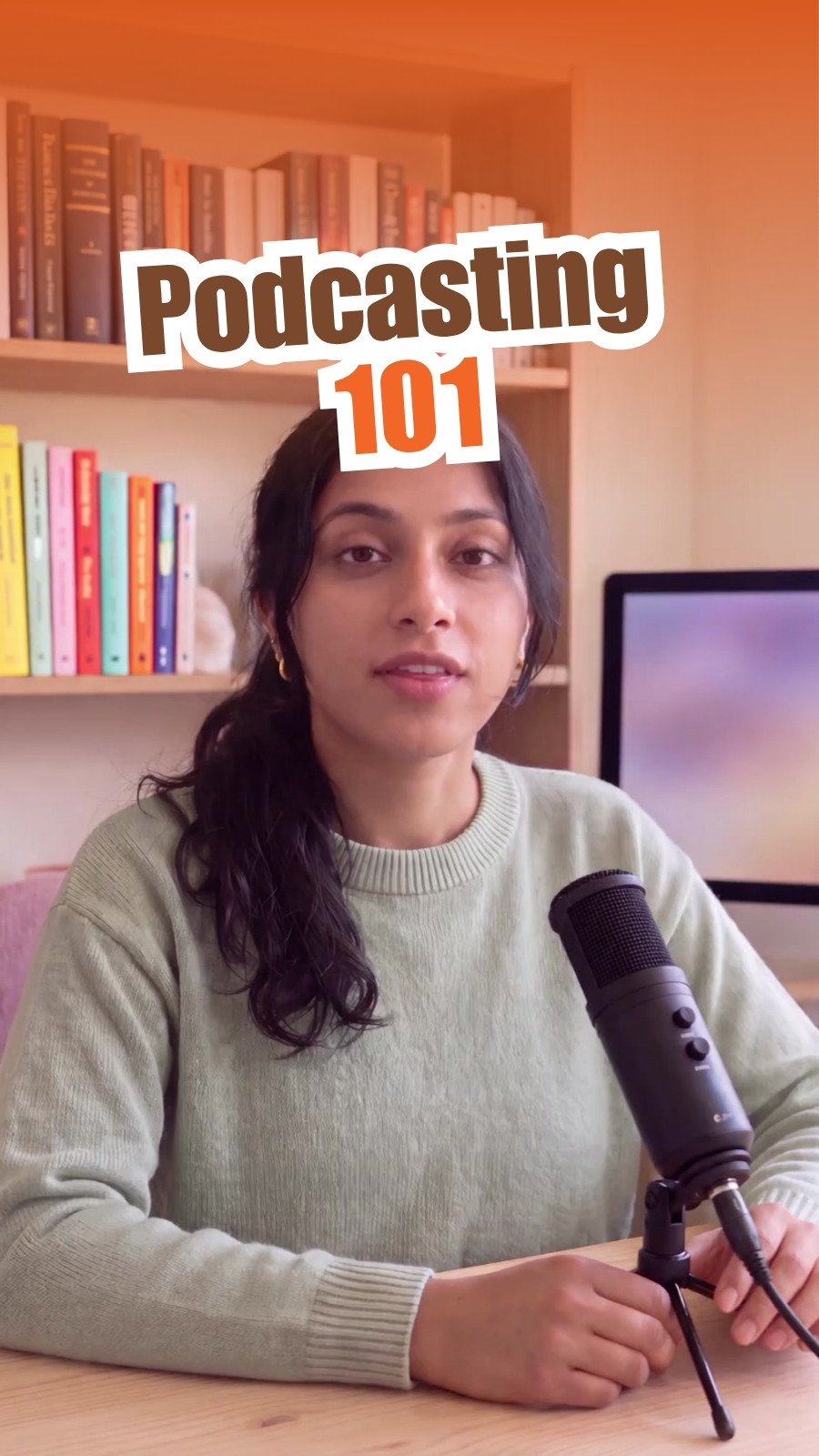
1. Orange White and Black Bold Podcasting Tips

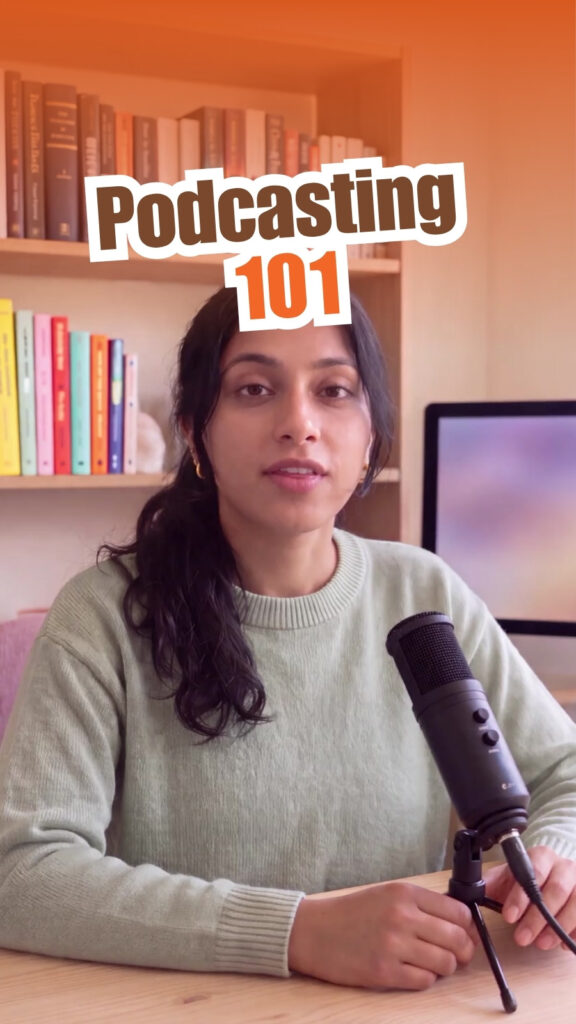
- Why we like it: A heavy “Podcasting 101” headline over a host-at-the-mic shot. High contrast keeps the hook readable on a small screen.
- Best for: Podcasters turning episode highlights into quick tips.
- Plan: Free on Canva
Customize Orange White and Black Bold Podcasting Tips in Canva
2. Green and White Modern Cooking Recipes

- Why we like it: Fresh green and white feel clean and appetizing, a natural fit for recipe steps and kitchen hacks.
- Best for: Food creators, home cooks and restaurants sharing quick recipes.
- Plan: Free on Canva
Customize Green and White Modern Cooking Recipes in Canva
3. Red White and Black Bold Top 3 Movies Review

- Why we like it: A countdown-style layout in cinematic red and black that makes “top 3” lists easy to follow.
- Best for: Film reviewers and entertainment channels.
- Plan: Free on Canva
Customize Red White and Black Bold Top 3 Movies Review in Canva
4. White Blue and Beige Simple Editing Video Tips

- Why we like it: A calm, simple style that keeps attention on your screen recording or editing demo.
- Best for: Video editors and tutorial creators.
- Plan: Free on Canva
Customize White Blue and Beige Simple Editing Video Tips in Canva
5. Green Black Bold Investing Tips

- Why we like it: Green and black signal money and confidence, and the bold type makes each tip punchy.
- Best for: Finance educators and investing channels.
- Plan: Free on Canva
Customize Green Black Bold Investing Tips in Canva
6. Black Beige and White Bold Financial Advice

- Why we like it: A neutral, trustworthy palette for serious money topics like budgeting, saving and planning.
- Best for: Financial advisors, coaches and personal finance creators.
- Plan: Free on Canva
Customize Black Beige and White Bold Financial Advice in Canva
7. Blue and White Bold Color Grading Tips

- Why we like it: Clean blue and white make before-and-after color grading comparisons easy to see.
- Best for: Filmmakers, photographers and colorists.
- Plan: Free on Canva
Customize Blue and White Bold Color Grading Tips in Canva
8. Purple and White Bold Streaming Setup
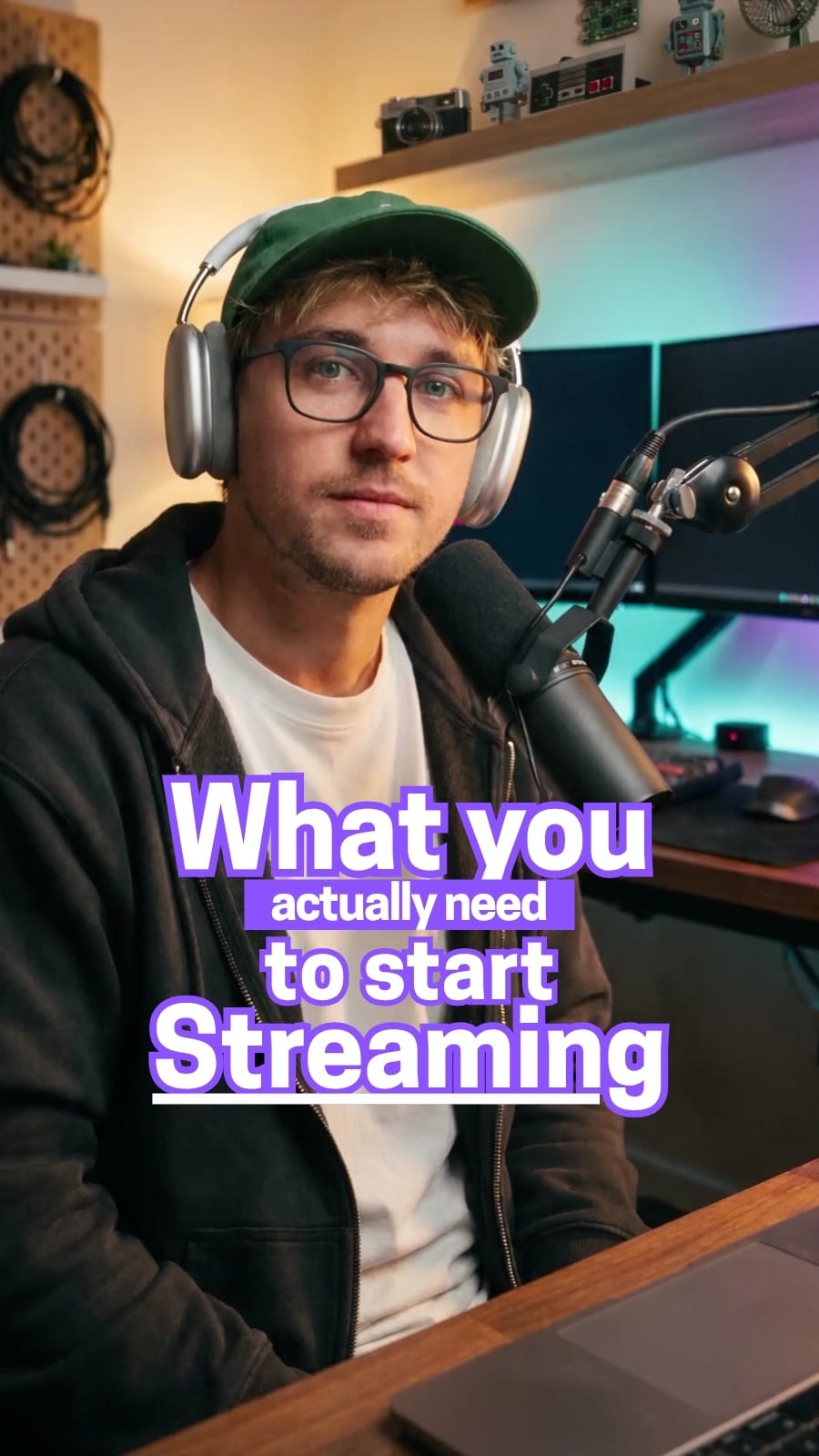
- Why we like it: Purple has a gaming and streaming feel, and the bold layout suits gear lists and setup tours.
- Best for: Streamers, gaming channels and tech reviewers.
- Plan: Free on Canva
Customize Purple and White Bold Streaming Setup in Canva
9. Gray and Pink Modern Solo Traveling Tips

- Why we like it: A soft, modern palette that lets travel footage shine while tips stay readable.
- Best for: Travel creators and lifestyle vloggers.
- Plan: Free on Canva
Customize Gray and Pink Modern Solo Traveling Tips in Canva
10. Beige and Brown Elegant History

- Why we like it: Elegant beige and brown give an archival, documentary mood that suits storytelling and facts.
- Best for: Educators, history channels and museum accounts.
- Plan: Free on Canva
Customize Beige and Brown Elegant History in Canva
How to choose the right Shorts template
- Match the color to your niche. Green suits money and food, purple suits gaming, beige and brown suit history and storytelling.
- Pick one template per series. Using the same layout for every episode builds recognition in the feed.
- Prioritize readability. Bold, high-contrast headlines are easier to read when someone is scrolling fast.
- Think about your footage. Busy footage needs a simpler template; talking-head videos can carry bolder graphics.
How to customize these templates in Canva
- Open a template and click Customize free template.
- Upload your vertical clip and drag it onto the background, then trim it on the timeline.
- Rewrite the headline as a short hook, five words or fewer.
- Duplicate pages for each tip and keep text in the same place every time.
- Add captions for viewers watching on mute, plus quiet background music.
- Export as MP4 and upload to YouTube Shorts, Reels or TikTok.
Tip: keep important text away from the right side and bottom of the frame, where platform buttons and captions appear.
FAQ
Are these YouTube Shorts templates free?
Yes. All ten are listed as free templates on Canva. Some stock videos, music or elements you add from Canva’s library may need Canva Pro.
Do they work for Reels and TikTok?
Yes. They use the 1080 × 1920 px vertical format shared by YouTube Shorts, Instagram Reels and TikTok.
Can I change the topic?
Absolutely. Each layout works for any tips or list-style series. Change the headline, footage and colors to fit your niche.
Start your Shorts series today
Choose a template, record your first tip and publish. Consistency beats perfection. See more video and social templates on our Canva Creator profile or explore social media kits in the TMint store.


